MacOS/Linux Firmware Upload
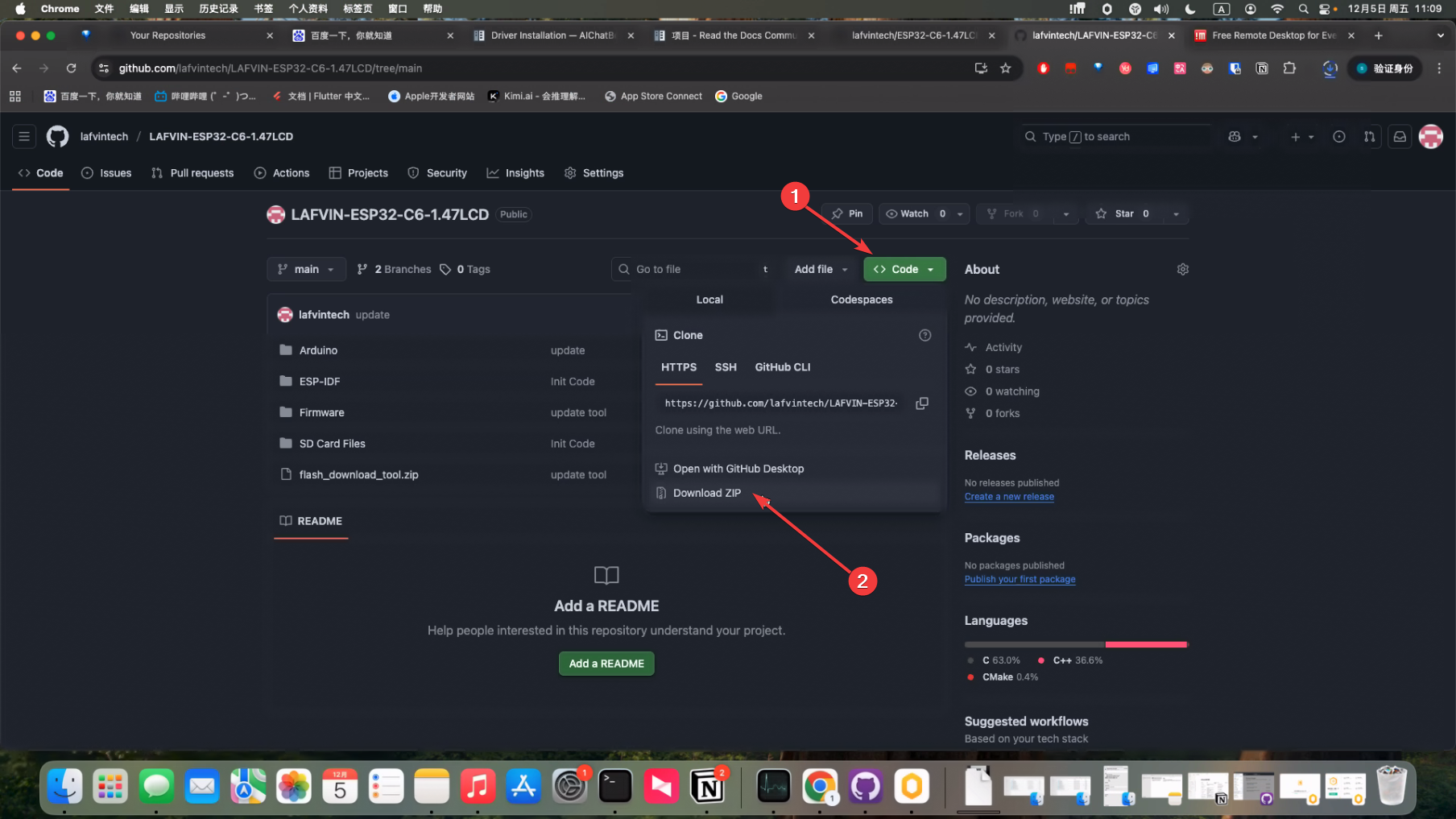
Download the code to your local machine
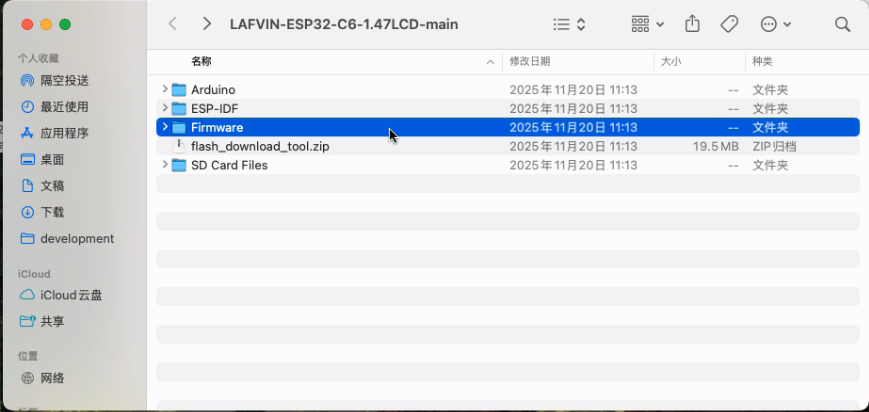
We have stored the bin files in the Firmware folder
We need to prepare a Type-C to USB-A data cable to connect your Mac computer and the development board
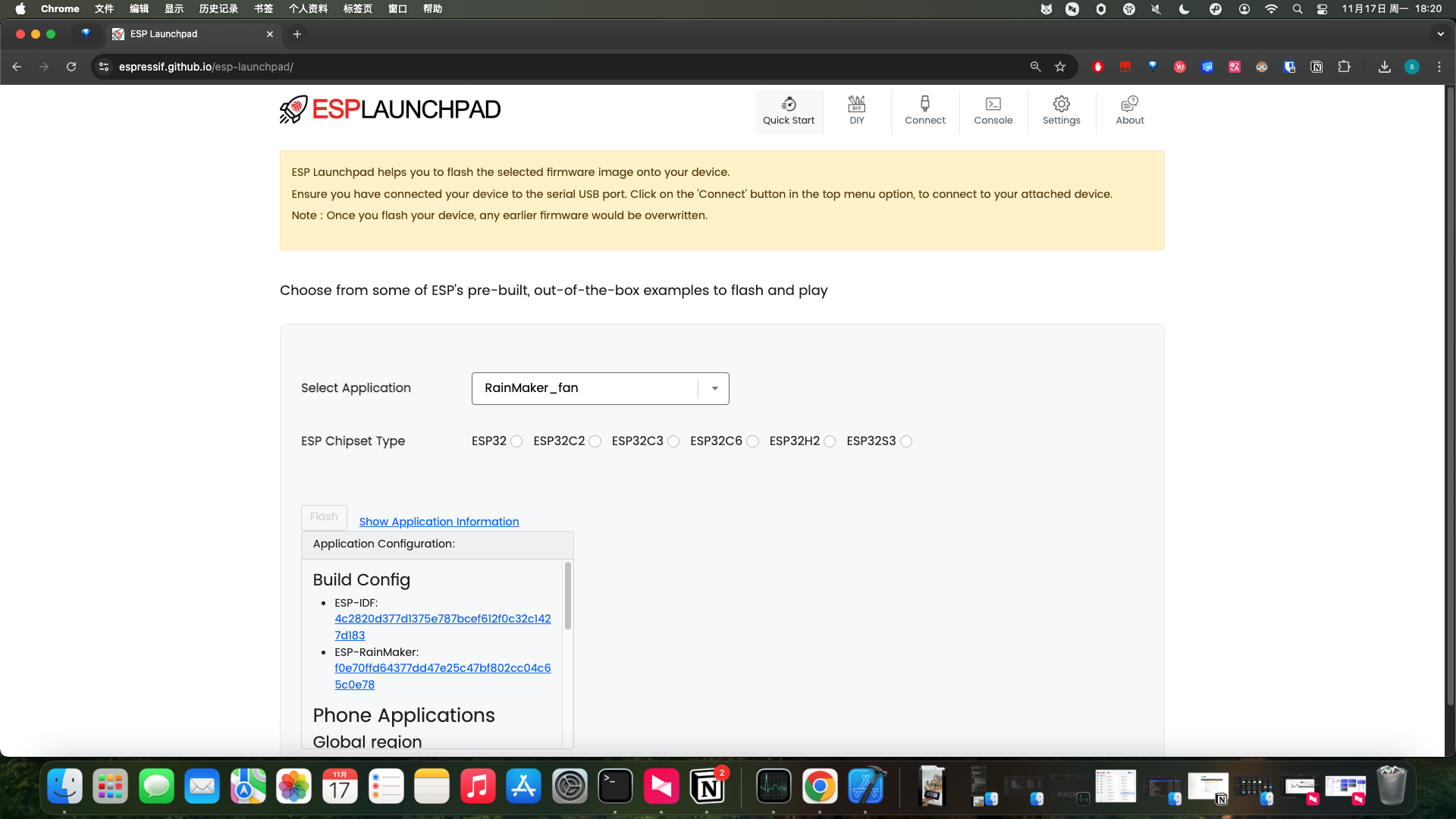
You only need to use Chrome or Edge browser to open this website https://espressif.github.io/esp-launchpad/
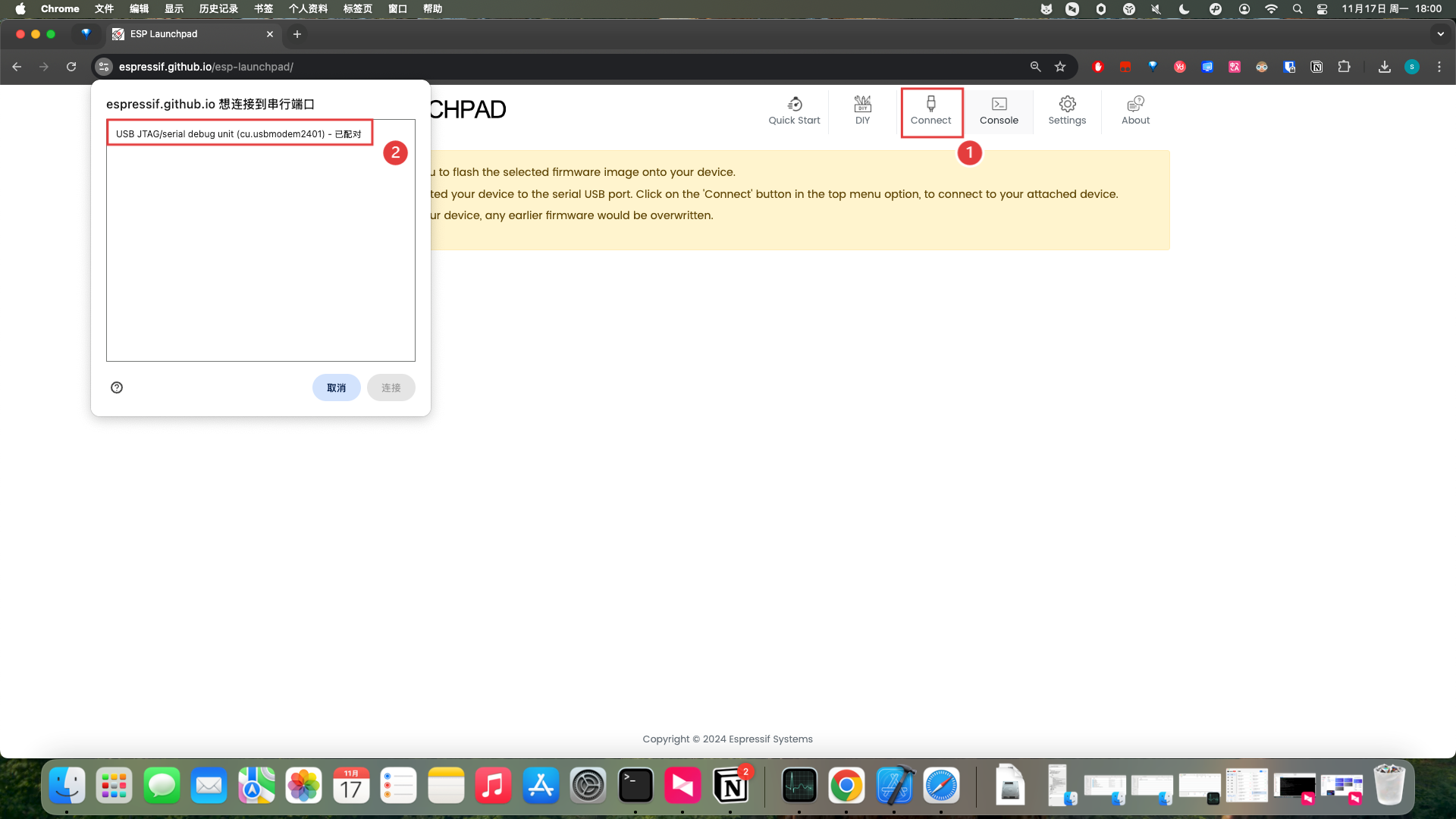
Click the Connect button at the top, and a window will pop up on the left side to select your device and connect
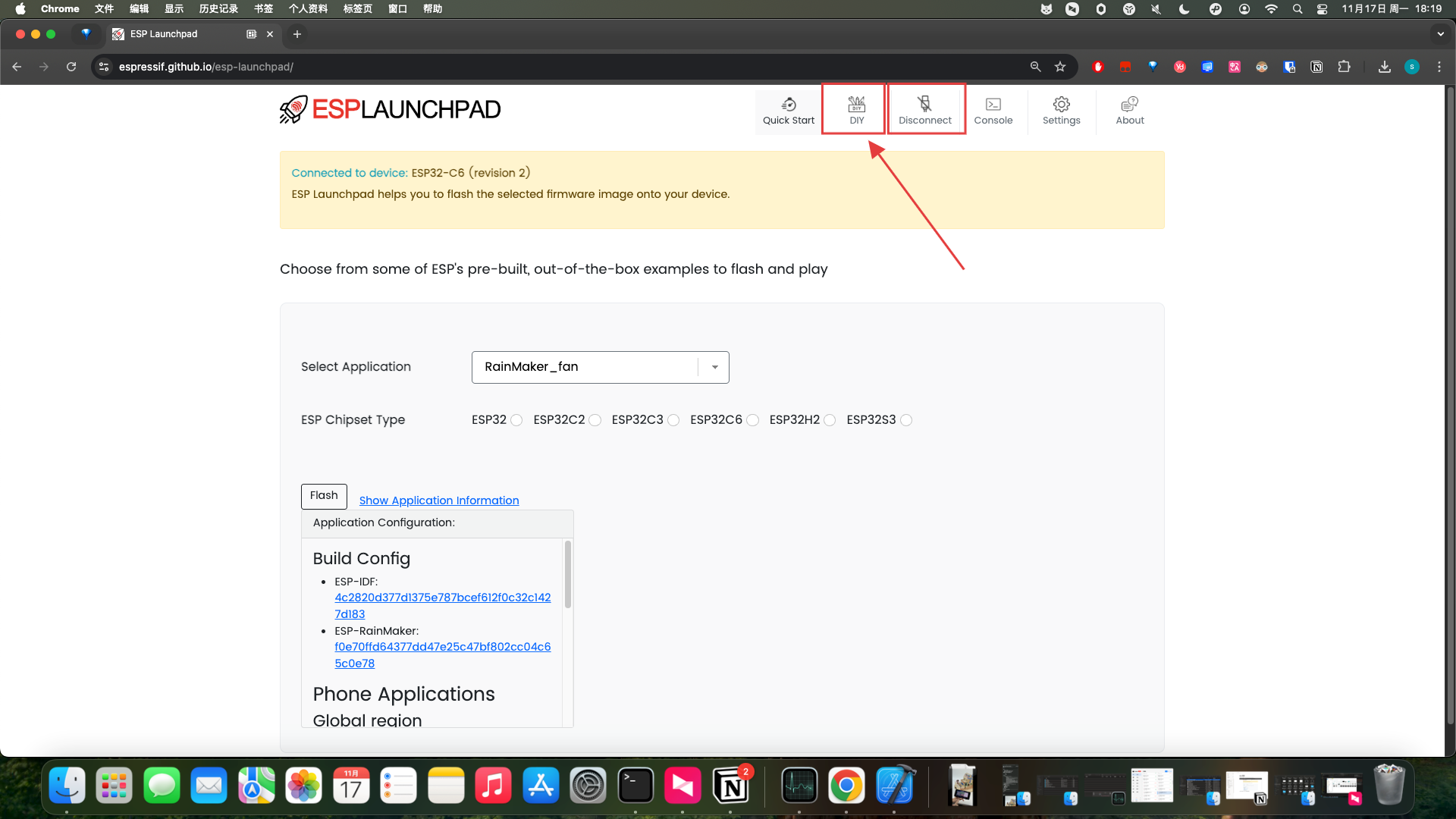
After the connection is complete, you can see that the Connect button changes to Disconnect, indicating successful connection. We click the DIY button
Fill in 0 in the Flash Address field, and select Firmware in the Selected File section
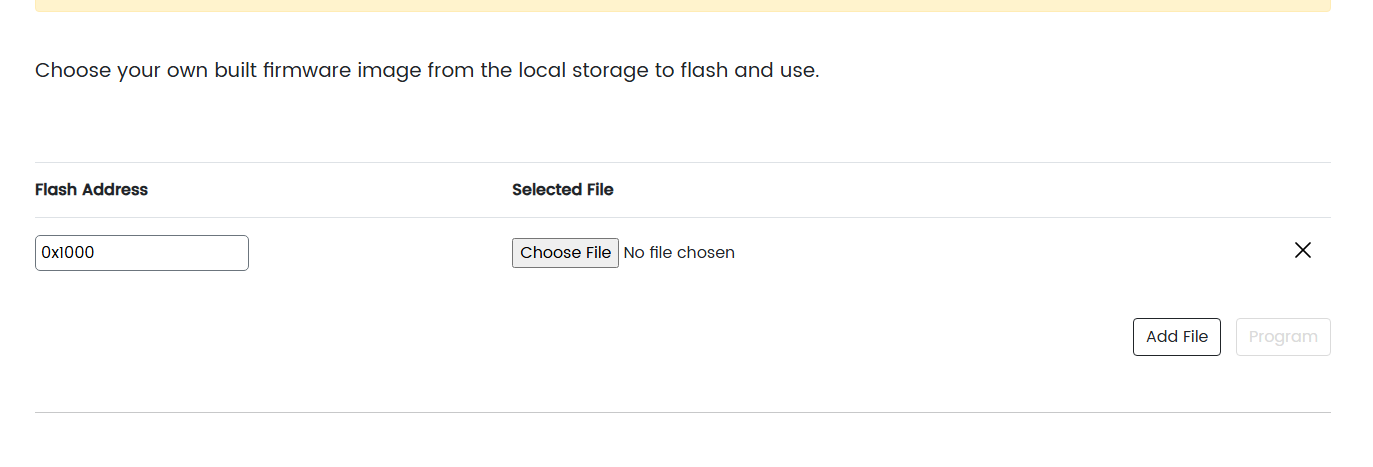
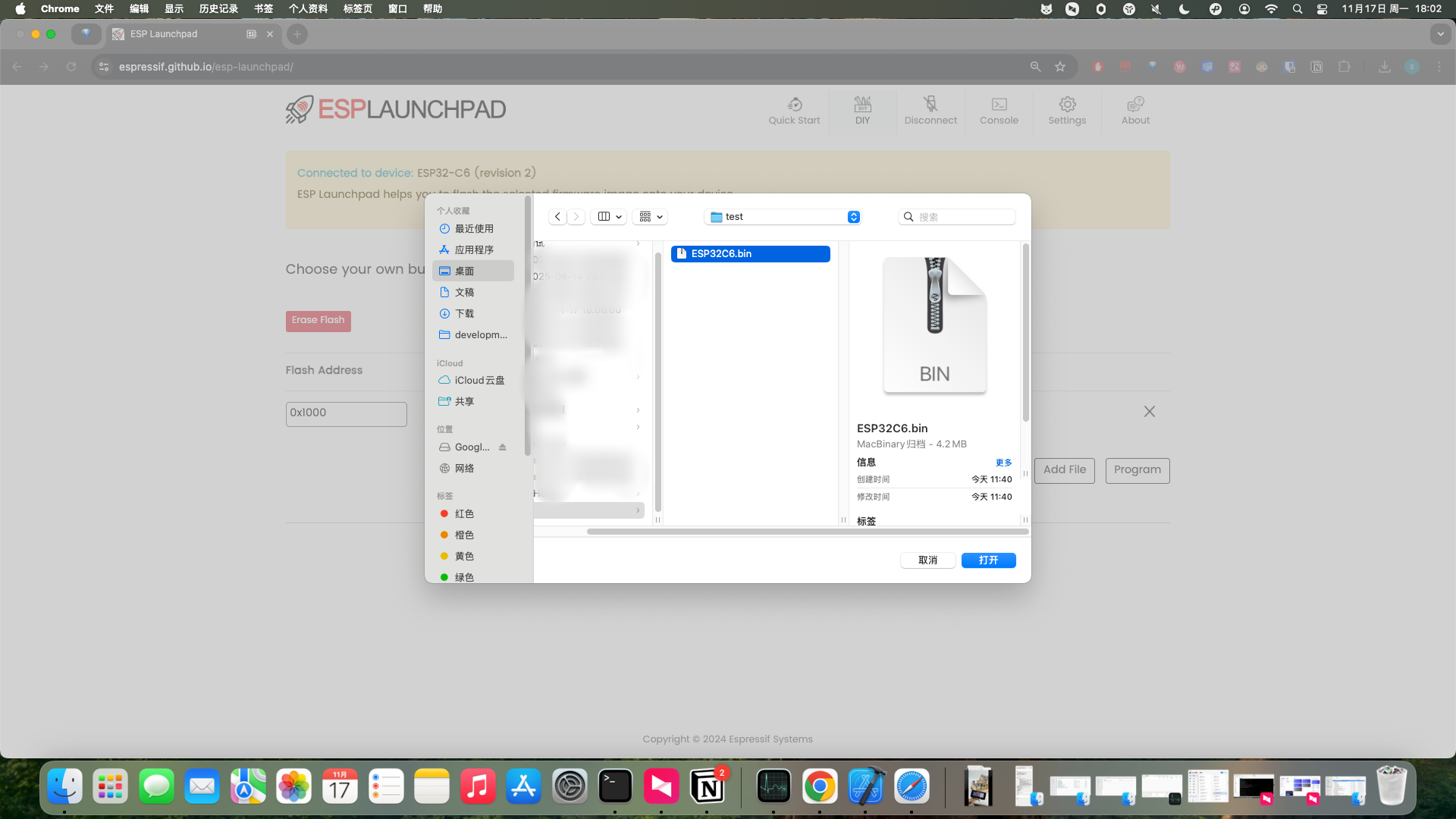
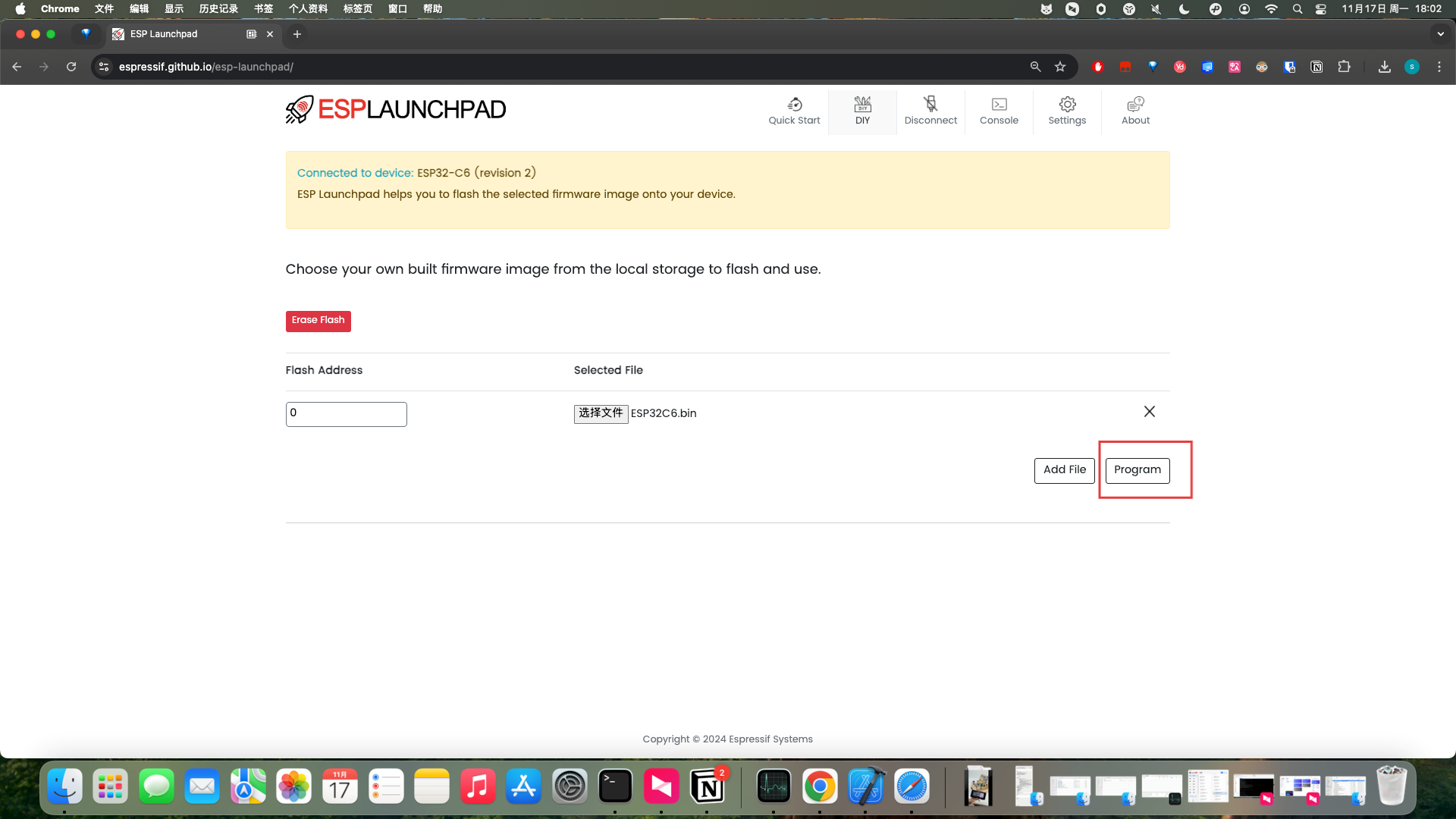
After selection is complete, click the Program button to start flashing
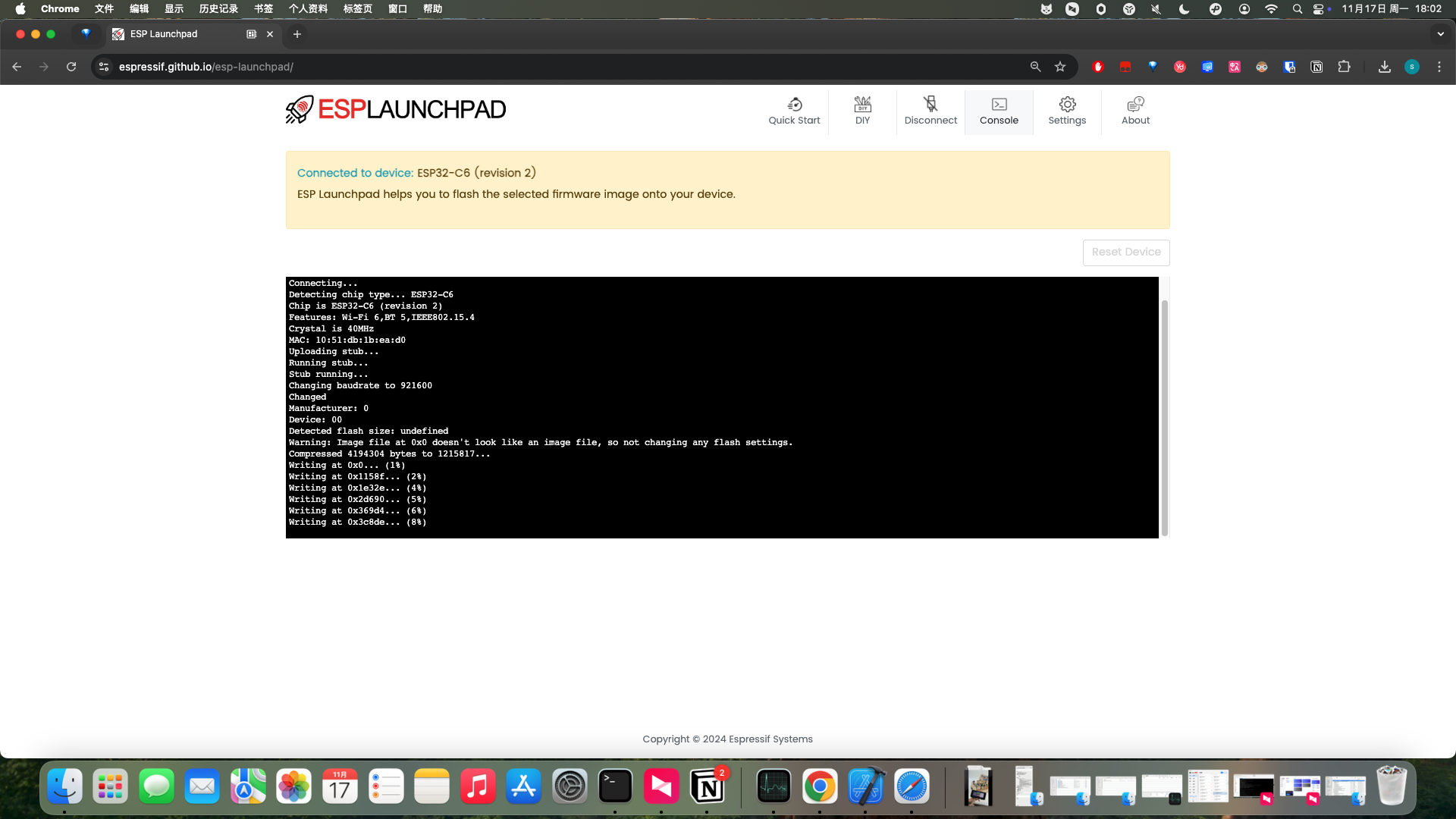
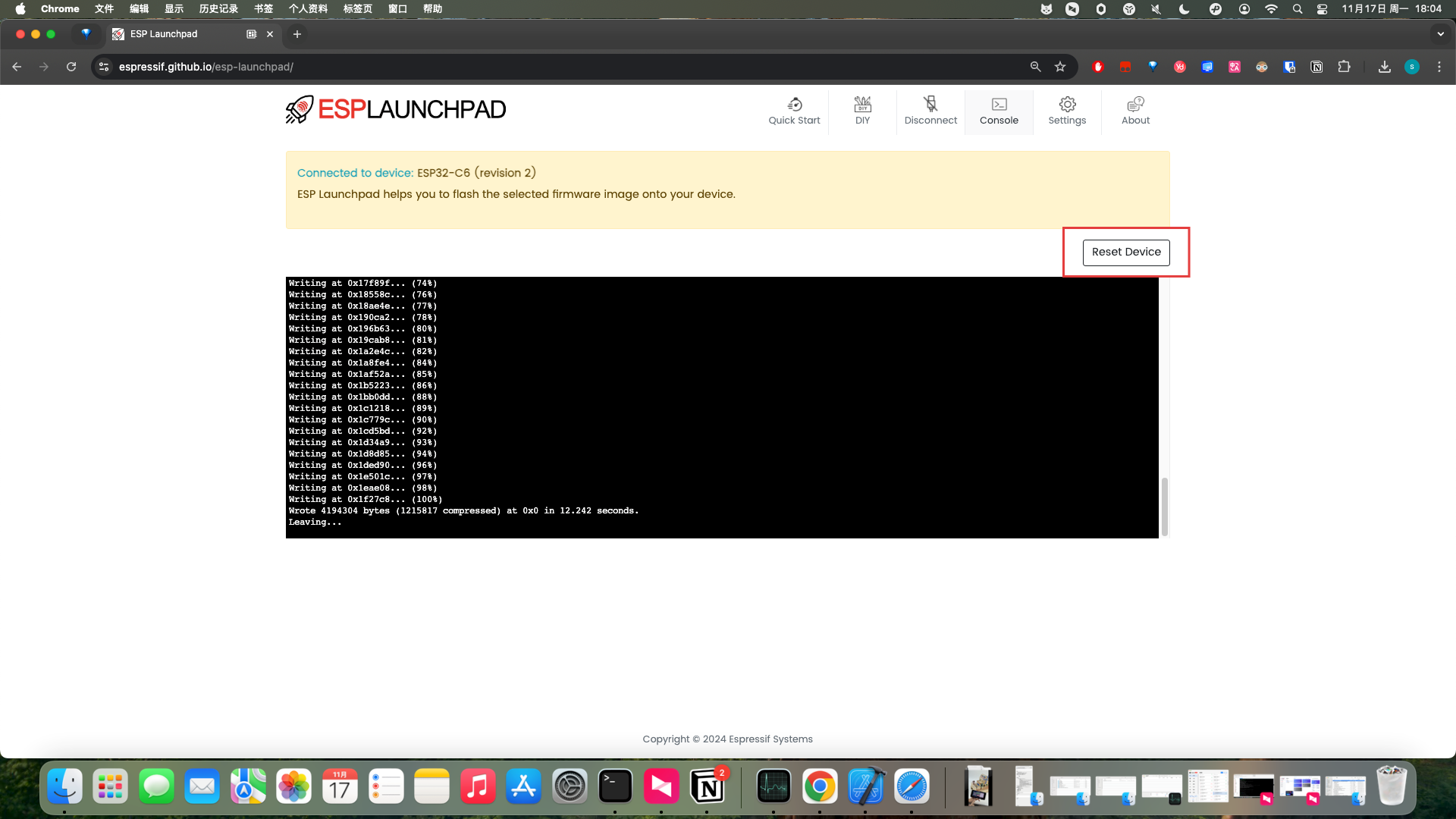
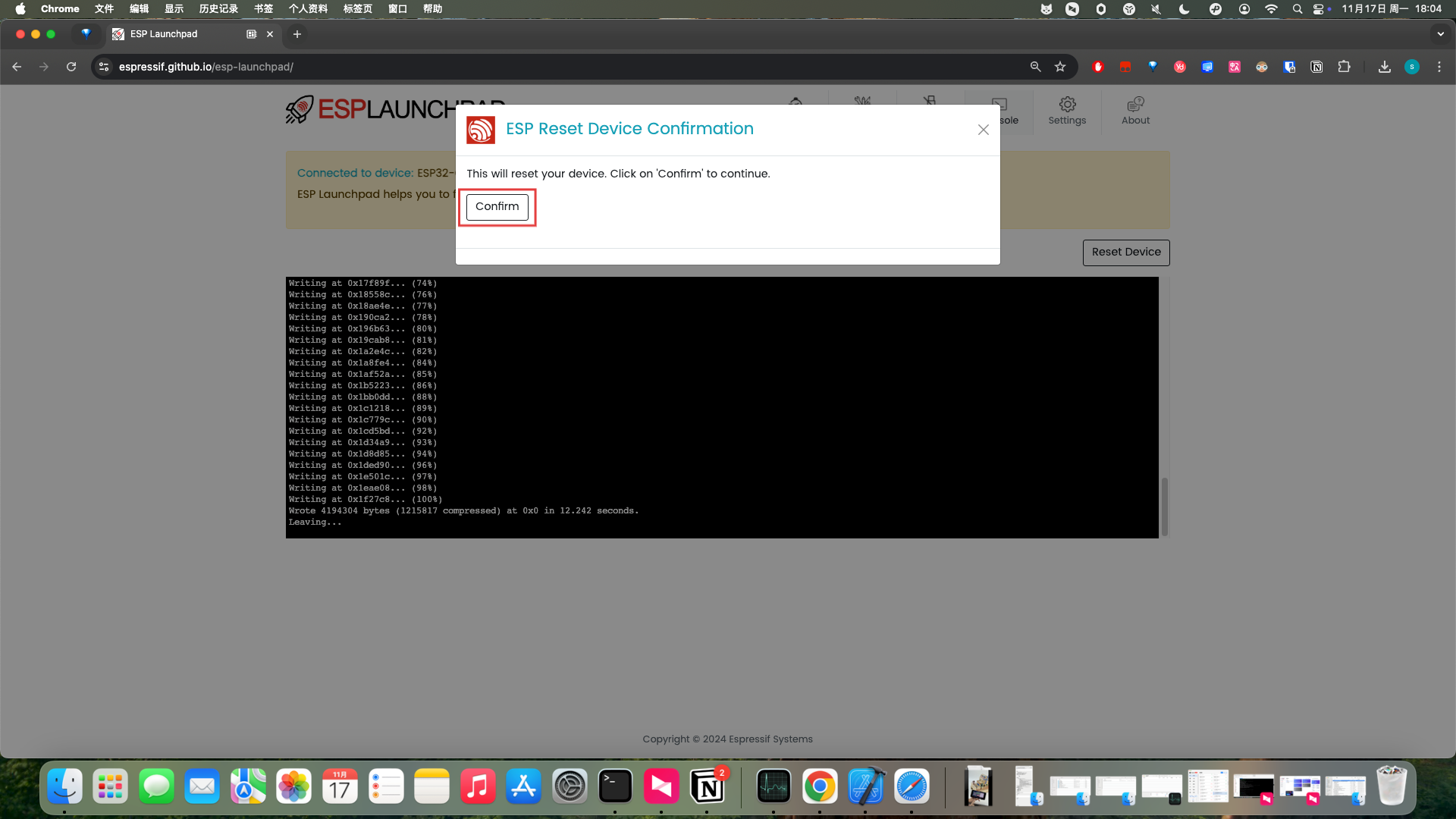
After flashing is complete, click the Reset Device button in the upper right corner to restart the device, and you will see the screen display normally